
Online Diary Studies in Sentink: Capture Real Life, Day by Day
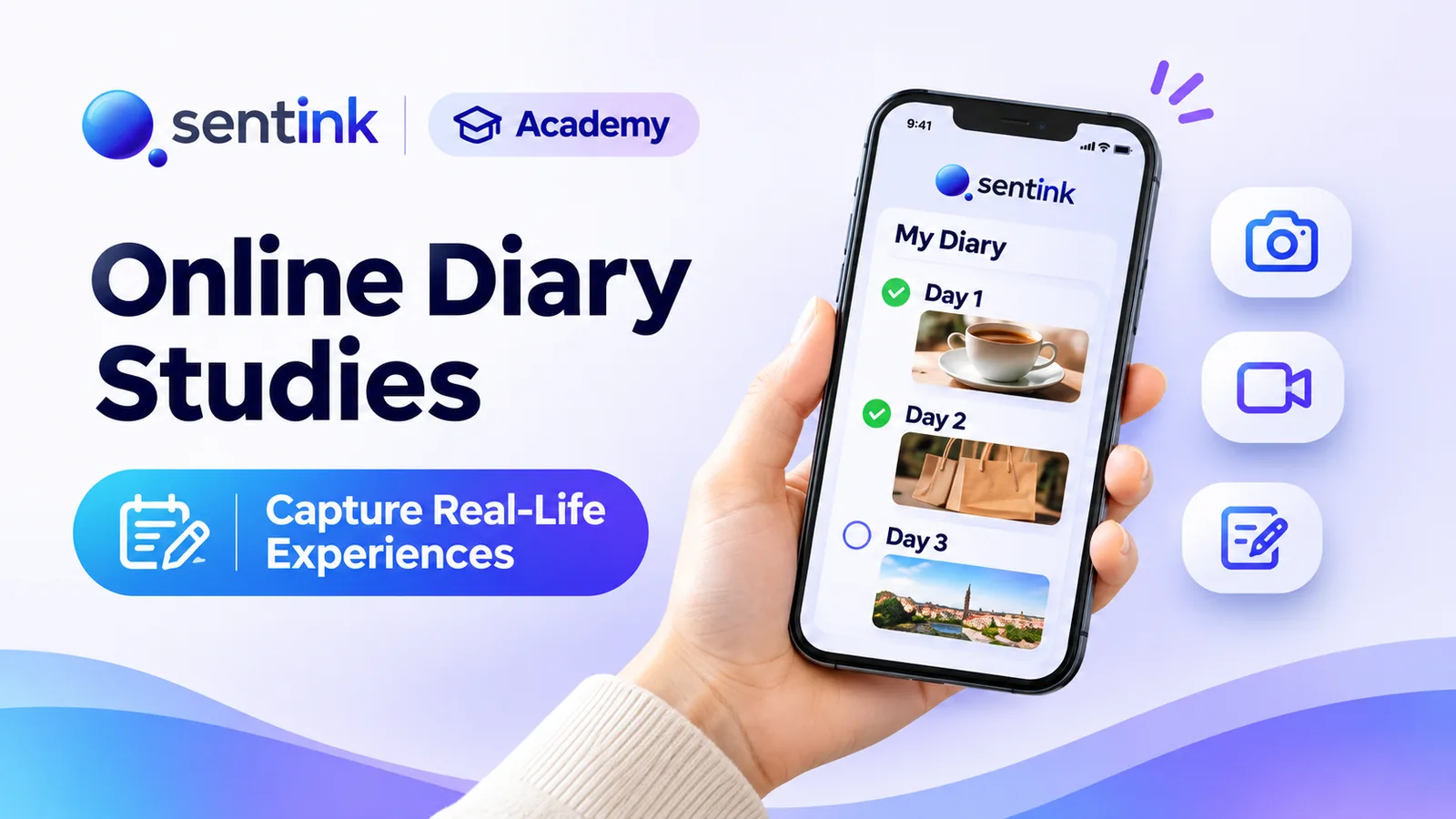
Run online diary studies in Sentink: scheduled and event-based tasks, photo, video and voice entries, follow-up questions and AI insights.
TL;DR
Online diary studies collect small, in-the-moment entries over days or weeks. Sentink runs qualitative and quantitative diaries with scheduled or event-based tasks, photo/video/voice entries, follow-up questions, a no-install mobile portal and AI insights linked to source entries.
Key takeaways
- Diaries reduce recall bias by capturing experiences close to the moment.
- Choose a qualitative diary (each day unlocks its own tasks) or a quantitative diary (every entry is its own record).
- Tasks can run on study days, between fixed dates, or whenever the study is active, with optional late-entry grace periods.
- Participants use a phone-browser portal in English, Arabic or Bahasa Indonesia, with no app to install.
- Researchers can ask follow-up questions on any entry; AI suggestions are always approved by a researcher before sending.
- AI insights reports link every finding back to the original contributions.
A survey tells you what people remember. A diary tells you what actually happened.
When you ask someone in a single survey how often they snack, how they felt about a product last week, or what got in the way of a routine, you get a reconstructed answer — shaped by memory, mood and whatever happened most recently.
Online diary studies fix this by collecting small, frequent entries in the moment, over days or weeks. Sentink now runs diaries natively, alongside your surveys and qualitative research, on the Pro and Corporate plans.
What Is an Online Diary Study?
An online diary study (sometimes called a digital diary or mobile ethnography) asks participants to record experiences repeatedly over a period of time — a meal, a shopping trip, a commute, a skincare routine, a week of using a new app.
Each entry can combine:
- Structured questions (ratings, choices, numbers)
- Open text in the participant's own words
- Photos, videos and voice notes from real life
Because entries are captured close to the moment, diaries reduce recall bias and reveal patterns no one-off survey can show: what changes across a week, what triggers a behaviour, and what people actually do versus what they say they do.
Two Kinds of Diary in Sentink
When you create a diary, you choose the shape of the study.
Qualitative diary
Daily stories, photos, videos and voice notes. Each day unlocks its own tasks.
Ideal for exploring experiences: a "first week with the product" study, a patient journey, a home-cooking routine. Day 1 might ask for a photo of the kitchen; day 3 a voice note about the hardest moment; day 7 a reflection.
Quantitative diary
Repeated structured entries — consumption, shopping or media diaries. Every entry is its own record.
Ideal for measuring behaviour: every snack eaten, every store visited, every hour of TV watched. Each submission is a separate, analysable row.
Setting Up a Diary
Sentink's diary wizard walks you through four steps.
1. Study dates and timezone
Set a start date, end date and a study timezone. Tasks unlock at local times in that timezone, including daylight-saving changes.
2. Enrollment
- Fixed — everyone starts on the start date
- Rolling — each participant starts the day they join
Rolling enrollment is useful when recruitment runs over several days: every participant still gets a complete day 1, day 2, day 3 sequence.
You can also set a target number of participants, a capacity limit and a consent statement that participants must accept before they see any task.
3. Tasks and schedules
Each task is a full questionnaire built with Sentink's survey builder — so you get the same question types, logic, translations and preview you already use for surveys.
Every task has a schedule:
- On study days — relative to each participant's day 1 (for example "day 3, opens at 06:00")
- Between two fixed dates — for calendar-bound moments such as a holiday weekend
- Whenever the study is active — always available
You control when a task opens, how long it stays open, how often it repeats (for example every 7 days for a weekly check-in) and how many times.
Late entries can be accepted with a grace period, so a participant who misses a deadline by a few hours can still contribute. Late entries are clearly marked as Late in the completion view.
4. Starter tasks
To save time, Sentink can create editable starter tasks for you — one task per day, or a repeatable "Log an entry" task for event-based diaries.
Event Logging: "Tell Us Every Time It Happens"
Some behaviours don't follow a schedule. For those, use repeatable entries (event-based): each submission is a separate event, such as a usage, a purchase or a consumption moment.
Participants can also tell you when it happened, so an entry logged in the evening can still describe a lunchtime purchase. You can cap entries per day and in total to keep data clean.
Photos, Videos and Voice Notes
Participants can attach photos, videos and voice notes to any entry. Voice notes can be recorded directly in the browser — often the fastest and most natural way for people to explain what they are doing and why.
This media is where diaries become genuinely rich: the fridge shelf, the cluttered bathroom counter, the confusing packaging, the tone of voice describing a frustrating moment.
A Participant Experience That Works on Any Phone
Participants take part through a mobile portal in their phone browser, using a personal link sent by email. There is no app to install, which removes one of the biggest causes of drop-off in diary research.
The portal is available in English, Arabic and Bahasa Indonesia, and shows each participant:
- What is available now
- What is coming up
- What is done and what was missed
Drafts are saved automatically, so a half-written entry is never lost.
Email reminders
Sentink sends email reminders when a task opens and a few hours before it closes, while respecting quiet hours at night. Participants can turn reminders off, and every email includes an unsubscribe link.
Following Up on Entries
The best diary insights often come from a second question.
From any entry, researchers can:
- Ask a follow-up question — answered as text, a 1–5 rating, a single or multiple choice, or a new photo, video or voice note
- Leave a comment visible to the participant
- Add an internal note visible only to the research team
- Reopen an entry and tag it for analysis
Sentink's AI can also suggest follow-up questions — but a researcher always approves and sends each one. Nothing is sent to participants automatically.
Monitoring and Analysis
Research inbox
One Research inbox collects new entries, answers to your follow-up questions and reports from every study you moderate, so nothing slips through.
Completion view
See completion by day and by participant, with statuses such as Completed, Late, Missed and Awaiting follow-up. It is the fastest way to spot who needs a nudge before the study ends.
AI insights report
Sentink's research assistant can summarize themes, suggest follow-up questions and translate contributions. The AI insights report produces an executive summary, key findings, themes with sentiment and next steps — each linked to the original contributions, so every claim can be traced back to what a participant actually wrote.
Exports
Export to Excel or CSV: entries, answers in long format, participants, follow-ups and a media manifest — ready for SPSS, R, Python or your own reporting.
Client access
Invite clients as analysts or viewers. They see approved content and pseudonyms only, and media is shown to them only after you approve it.
When to Use a Diary Study
| Research question | Diary type |
|---|---|
| How do people use a product in their first week? | Qualitative |
| What does a typical day of meals look like? | Quantitative (event-based) |
| How does mood or energy change across a working week? | Quantitative, daily |
| What frustrates customers during a renovation or move? | Qualitative, with photos and voice |
| How often do shoppers visit each store? | Quantitative (event-based) |
| How do patients manage a routine at home? | Qualitative, multi-week |
Diaries also pair naturally with home use tests and research communities — both available in Sentink on the same plans.
Getting Started
- Open Online diaries and choose New online diary
- Pick Qualitative or Quantitative
- Set dates, timezone, enrollment and consent
- Add or edit tasks and schedules
- Invite participants and watch entries arrive in the Research inbox
Online diaries are included with the Pro and Corporate plans and with Enterprise. See the pricing page for details.
FAQ
Do participants need to install an app?
No. Participants take part in a mobile portal in their phone browser using a personal link sent by email.
Can participants upload photos, videos and voice notes?
Yes. Participants can attach photos, videos and voice notes to any entry, and voice notes can be recorded directly in the browser.
What is the difference between a qualitative and a quantitative diary?
A qualitative diary unlocks its own tasks each day for stories and media. A quantitative diary collects repeated structured entries, such as consumption or shopping logs, where every entry is its own record.
Can I accept entries after a task closes?
Yes. You can accept late entries with a grace period. They are marked as Late in the completion view.
Which plans include online diaries?
Online diaries are included with the Pro and Corporate plans and with Enterprise.
Transparent Cloud plans and private deployment—pick what fits your team.
Get Started FreePeople also read
Picked from the same category and shared topics.
Compare dscout and Sentink for diary studies, interviews, home use tests and communities: participant panel, app vs browser, Arabic support and pricing.

Run online focus groups and interviews in the browser, or upload recordings, and get AI-enhanced transcripts and insight reports in Sentink.

Run private research communities in Sentink: nine discussion formats, five visibility modes, groups, moderation tools and in-community diaries.
Compare the best diary study tools in 2026, including Sentink, dscout, Recollective, Indeemo and itracks, by participant access, recruitment and languages.
Compare Recollective and Sentink for insight communities, diaries, live qual and home use tests: languages, AI, surveys and pricing side by side.
Run telephone surveys with Sentink CATI: upload samples, assign interviewers, manage call statuses, retries, callbacks and quotas, and monitor productivity.