
Live Online Focus Groups and Interviews in Sentink With AI Transcripts and Reports
Run online focus groups and interviews in the browser, or upload recordings, and get AI-enhanced transcripts and insight reports in Sentink.
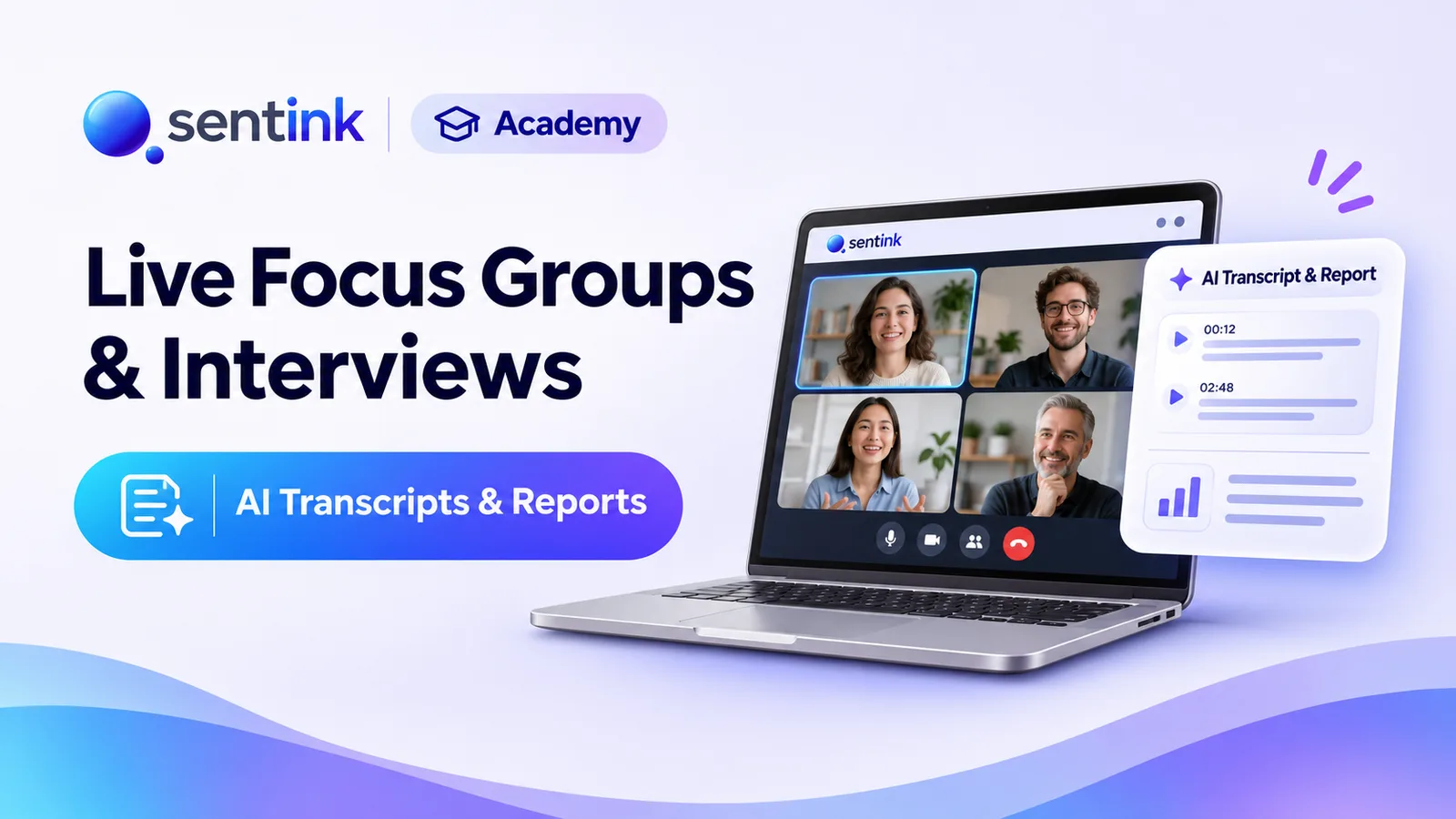
TL;DR
Sentink runs live online interviews and focus groups in the browser with a lobby, observers, live activities, live transcription and recording, or takes uploaded recordings of up to 2 GB. AI enhances transcripts into clean speaker turns, produces insight reports in 11 languages with PDF and PowerPoint export, and answers questions through Ask Adam.
Key takeaways
- Choose Full interview with Report for live sessions, or Transcript with Report to upload existing recordings.
- Build discussion guides with the AI agent, by uploading Word or Excel, or by hand, in 11 languages.
- Participants join from a browser link with no app or account; observers can join incognito.
- Recording and live transcription start automatically and keep running if the host's tab is hidden.
- AI transcript enhancement creates speaker turns and removes duplicates without rewording, and can be undone.
- AI insight reports export to PDF, and to PowerPoint on Pro and above.
Qualitative research has always been slow at both ends. Before the session: writing the discussion guide, scheduling people, sending links. After the session: transcribing hours of recordings, cleaning them up, and turning them into a report someone will actually read.
Sentink brings the whole process into one place. You can run live online interviews (IDIs) and focus groups in the browser, or upload recordings of sessions held elsewhere, and let AI handle the transcripts and the first draft of the report.
Two Ways to Run a Study
When you start a qualitative project, Sentink asks how you want to run it:
- Full interview with Report: run the session live in Sentink's video room, with recording, live transcription and AI analysis
- Transcript with Report: upload an existing video or audio recording and get an AI transcript and report
Studies are organised as projects containing sessions. Each session keeps its own recording, transcript and analysis, and a project report brings every session together.
Before the Session
Build the discussion guide
Create your guide in one of three ways:
- AI agent: answer a short brief (research question, goals, outcomes and duration) and the AI drafts a guide
- Upload a discussion guide: import an existing guide from Word (.docx) or Excel (.xlsx, .xls), with no specific template required
- Write it yourself
Guides are organised into Welcoming, Warm-up, Core and Close sections, and can include single choice, multiple choice, yes/no, NPS and open-ended questions.
Guides can be written in 11 languages: English, Arabic, Indonesian, Malay, French, German, Spanish, Portuguese, Turkish, Italian and Dutch. The guide language also sets the language for live transcription.
Invite and schedule
Choose Start now or Choose date & time, then Send invitations by email. For a live focus group, 4–8 participants usually works best.
Invite observers
Clients and colleagues can join incognito: they watch and listen privately, and only the host can see them and chat with them. Add observer emails in Manage session → Observers or copy the observer link.
The Live Session
No app, no account
Participants join from a link in their browser. There is nothing to install and no account to create: they enter a display name, check their camera and microphone, and wait in the lobby until the moderator admits them (one by one, or Admit all).
The video room
Everything a moderator expects from a meeting tool:
- Screen sharing, raise hand and reactions
- Grid, spotlight and sidebar layouts
- Chat with everyone, or privately with one person
The Research Room panel
Alongside the video, the moderator has a research panel with four tabs:
- Guide: work through the discussion guide, mark questions as asked or skip them
- Activities: launch live polls during the session
- Transcript: follow the live transcript as people speak
- Notes: write moderator notes and bookmark moments with timestamps for later
Live activities
Turn any guide question into a live activity, or create one on the spot: single choice, multiple choice, yes/no, rating or open text. Send it to everyone or to selected participants, and choose whether results are visible only to the moderator or shown to the group, either live or after everyone answers.
Live transcription
Live transcription and recording start automatically when the host joins, so nothing depends on remembering to press a button. The transcript is captured in the guide's language, alongside Arabic, English, Indonesian and Malay.
Recording that keeps going
The session is recorded in the host's browser and uploaded in parts during the session, and recording keeps running even if the host switches tabs or minimises the window. When the session ends, End meeting & save stores the recording, transcript and activity answers. Recording works best in Chrome or Edge on desktop.
After the Session
Three transcript versions
- Meeting: the live transcript with participants' real names
- Video: a transcript produced from the recording by Sentink's AI model
- Merged: the best of both
You can also recognise speakers to separate interviewer and participant.
Enhance transcript with AI
Transcript enhancement cleans up the raw text without rewriting what people said:
- Joins consecutive lines from the same speaker into proper speaker turns
- Removes duplicated and repeated lines
- Fixes mixed-up scripts (for example Arabic words written in the wrong alphabet)
- Removes meaningless fragments
You can always restore the original transcript, and edit names, text and timecodes by hand.
Download transcripts
Download transcripts as Word, CSV or TXT, with or without timestamps, and translated into Arabic or English.
AI insight report
Generate an AI insight report for a single session or the whole project, covering context, summary, themes, findings, tensions, implications, quotes and recommendations. Reports can be written in any of the 11 guide languages.
Export reports to PDF, or to PowerPoint on the Pro plan and above.
Ask Adam
Ask Adam lets you chat with your research: ask questions about the whole project or a single session and get answers grounded in the transcripts and activity answers.
Recordings
Watch the recording next to the transcript, and download it as MP4.
Transcript-Only Studies: Bring Your Own Recordings
Already ran interviews in another tool, or in person? Choose Transcript with Report and upload the recording:
- Video: MP4, WebM, MOV, M4V
- Audio: MP3, WAV, M4A, AAC, OGG, FLAC
- Up to 2 GB per file; the first 3 hours of audio are transcribed
You get the same speaker turns, AI enhancement, downloads, AI report and Ask Adam as for live sessions.
Safe Deletion
Deleted studies go to Trash, where you can restore them or delete them permanently. Permanent deletion also removes recordings and files from storage.
Plans
Qualitative research is included on every Sentink cloud plan except Student plans. Each plan includes a monthly allowance of sessions, shared between live and transcript studies, and extra sessions can be added from your account balance. PowerPoint export of qualitative reports is available on Pro and above.
Getting Started
- Create a qualitative project and choose Full interview with Report or Transcript with Report
- Build your guide with the AI agent, an upload, or by hand
- Schedule the session and send invitations (and observer links)
- Run the session with the Research Room panel, or upload your recording
- Enhance the transcript, generate the AI report and export to PDF or PowerPoint
FAQ
Do participants need to install anything?
No. Participants join from a link in their browser, enter a display name and wait in the lobby until the moderator admits them.
Can clients watch without being seen?
Yes. Observers can join incognito: they watch and listen privately, and only the host can see them and chat with them.
Can I analyse interviews I recorded elsewhere?
Yes. Choose Transcript with Report and upload video or audio up to 2 GB. The first 3 hours of audio are transcribed.
Does AI enhancement change what participants said?
No. It joins lines into speaker turns, removes duplicates and meaningless fragments, and fixes mixed-up scripts, without rewording. You can restore the original at any time.
Which plans include qualitative research?
Every Sentink cloud plan except Student plans, with a monthly session allowance. PowerPoint export of reports is available on Pro and above.
Transparent Cloud plans and private deployment—pick what fits your team.
Get Started FreePeople also read
Picked from the same category and shared topics.
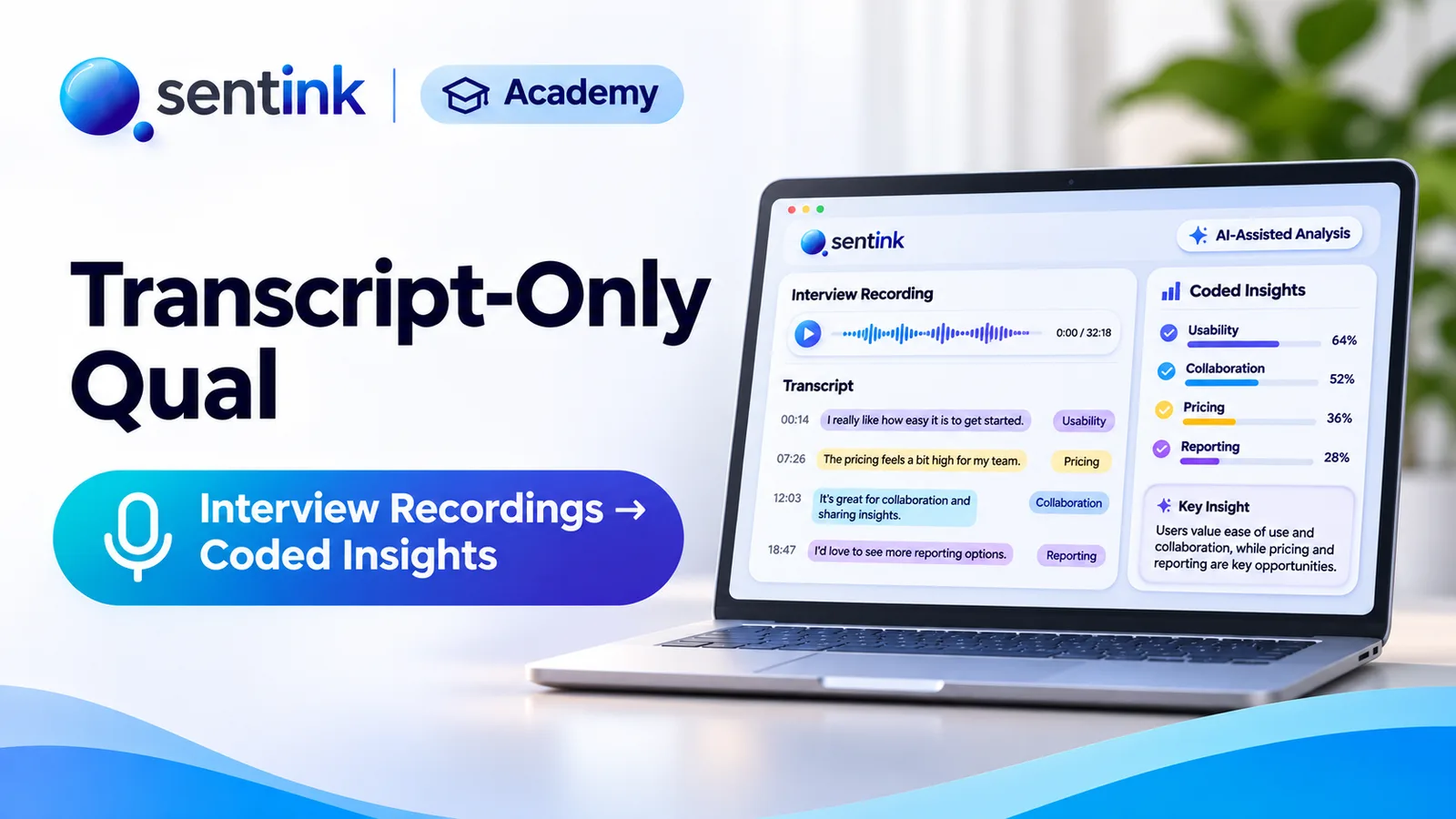
Upload interview or focus group recordings to Sentink and get speaker-separated transcripts, translated downloads, AI reports and coded themes.
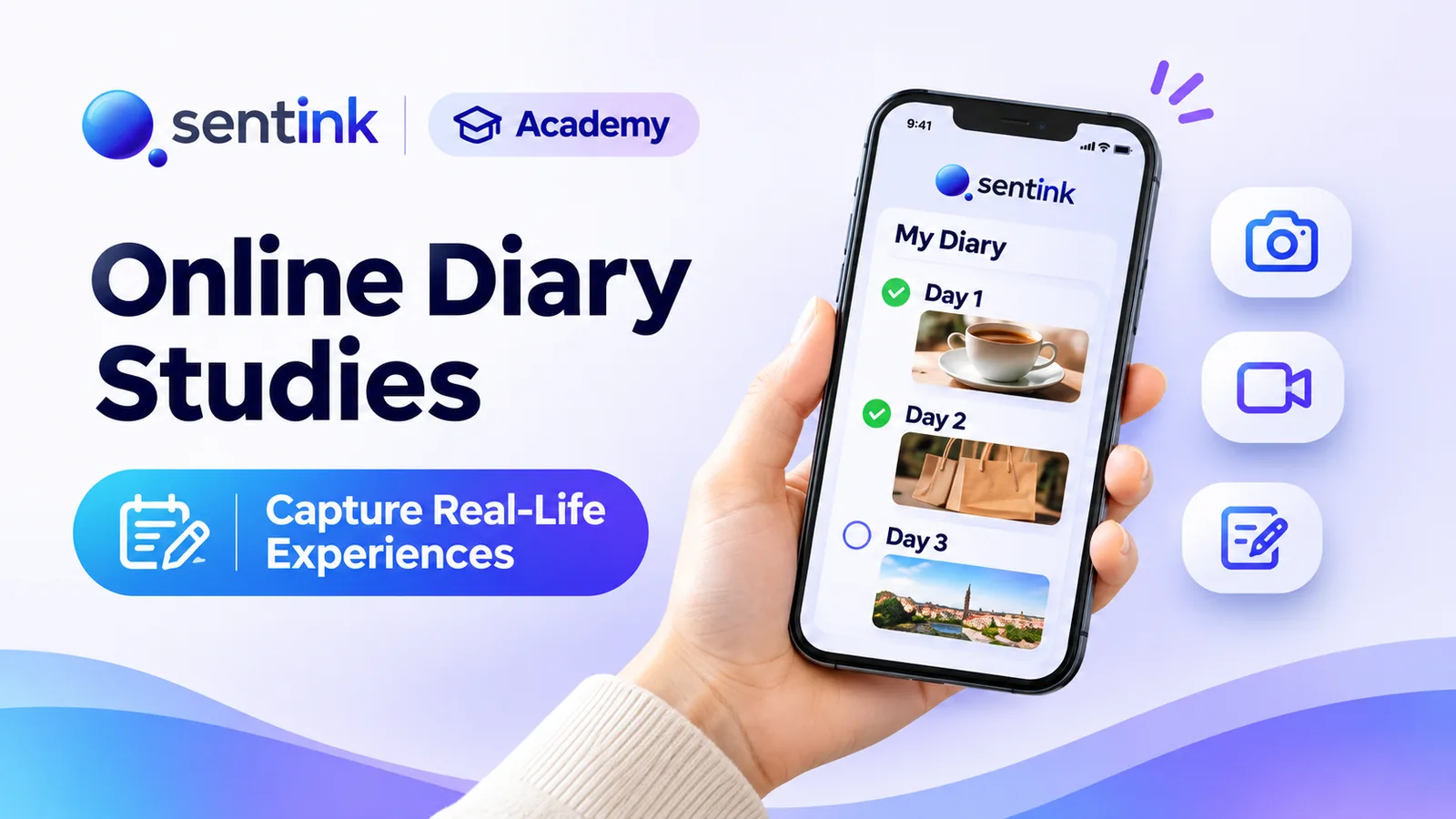
Run online diary studies in Sentink: scheduled and event-based tasks, photo, video and voice entries, follow-up questions and AI insights.
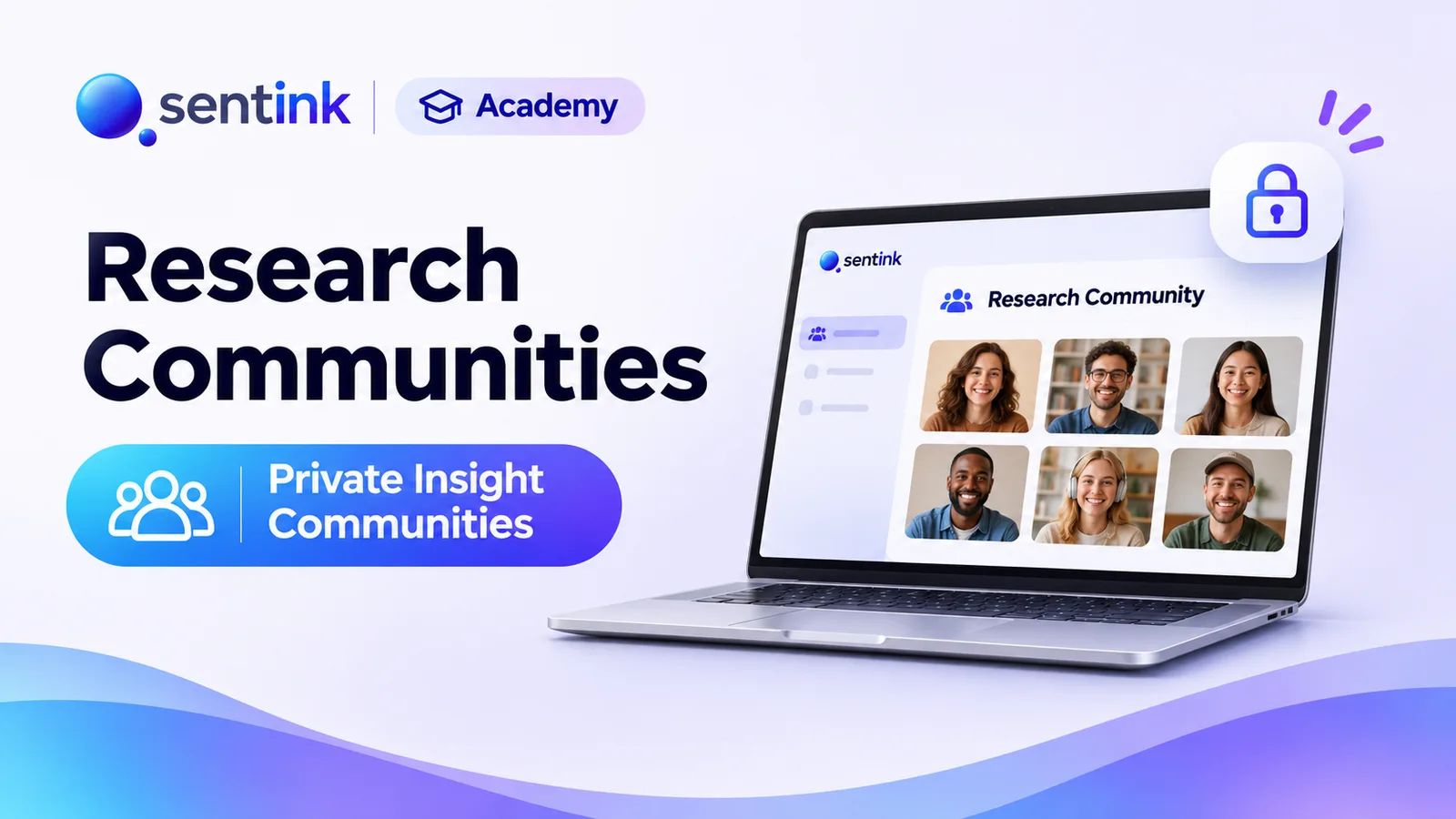
Run private research communities in Sentink: nine discussion formats, five visibility modes, groups, moderation tools and in-community diaries.
Compare dscout and Sentink for diary studies, interviews, home use tests and communities: participant panel, app vs browser, Arabic support and pricing.
Compare Recollective and Sentink for insight communities, diaries, live qual and home use tests: languages, AI, surveys and pricing side by side.
Run telephone surveys with Sentink CATI: upload samples, assign interviewers, manage call statuses, retries, callbacks and quotas, and monitor productivity.