
Research Communities in Sentink: Running Private Insight Communities
Run private research communities in Sentink: nine discussion formats, five visibility modes, groups, moderation tools and in-community diaries.
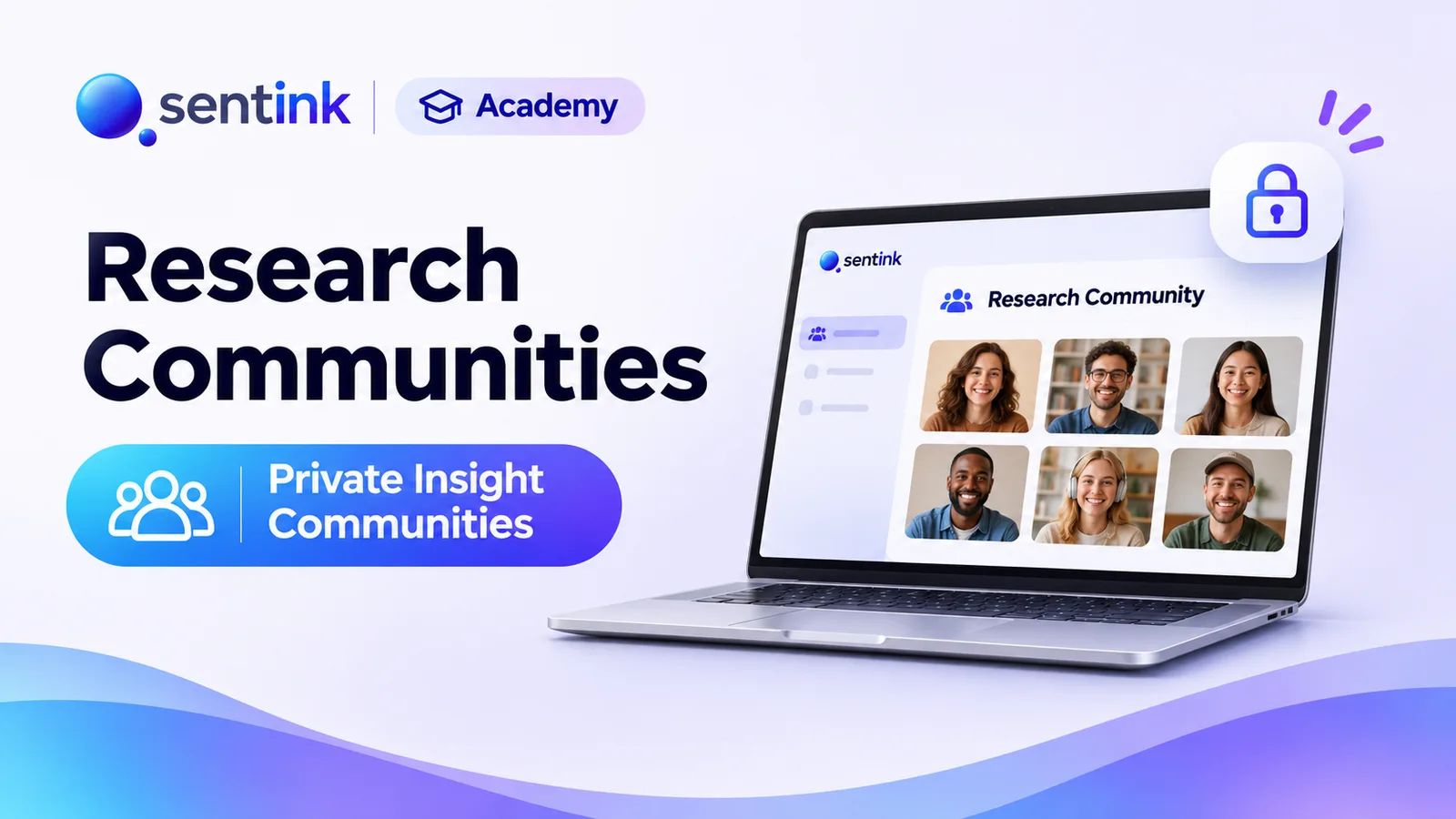
TL;DR
Sentink research communities are private, invite-only spaces for ongoing qualitative research. They offer nine discussion formats, five visibility modes to prevent groupthink, member groups, a full moderation toolkit, engagement metrics, AI insights and the option to run diaries and home use tests with existing members.
Key takeaways
- Communities are invite-only and members appear under pseudonyms by default.
- Nine discussion formats include question of the day, concept evaluation and photo/video discussion.
- Five visibility modes, including Blind first, control who sees members' answers and reduce groupthink.
- Once members have posted, a topic can only become more private, never less.
- Moderators get queues, flags, highlights, hiding with reasons, tags and client sharing.
- Diaries and home use tests can run inside a community with no new invitations or consent.
One-off surveys and focus groups give you a snapshot. But many questions need an ongoing conversation: how a customer segment reacts to a series of concepts, how opinions shift after a launch, or what a group of loyal users thinks week after week.
Research communities — also called insight communities or MROCs (market research online communities) — keep a group of invited participants engaged over time, so you can ask, listen and follow up whenever you need to. Sentink now runs private research communities natively, on the Pro and Corporate plans.
What Is a Research Community?
A research community is a private, invite-only online space where a recruited group of participants takes part in discussions, activities and tasks over days, weeks or months.
Compared with a survey, a community gives you:
- Depth — participants explain their thinking and react to each other's ideas
- Speed — a question posted today can have answers tomorrow, from people already recruited and consented
- Continuity — you can follow the same people across many studies
Sentink supports three community types: short-term, long-term and continuous insight.
Private by Design
Communities in Sentink are private: only invited members who consent can see anything.
- Invite members by email (up to 500 at a time), using personal sign-in links
- Set an optional member limit
- Members appear under pseudonyms by default
- Revoke a link at any time by issuing a new one
Members take part in a mobile portal in their phone browser — no app to install — in English, Arabic or Bahasa Indonesia.
Nine Discussion Formats
Each topic in a community has a format that tells members what kind of conversation it is:
- Open discussion
- Moderator-led
- Question of the day
- Product feedback
- Idea generation
- Concept evaluation
- Experience sharing
- Photo / video discussion
- Announcement — read-only, for updates from the research team
Topics can include up to 10 stimulus images or videos — concepts, ads, packaging, screenshots — and members can reply with text, photos, videos and voice notes. Replies, likes and optional points and badges keep engagement up over longer studies.
Five Visibility Modes: Control Who Sees What
The biggest risk in a group discussion is groupthink: the first few answers shape everyone else's. Sentink lets you decide, per topic, who sees members' answers:
| Mode | What members see | Best for |
|---|---|---|
| Open | Each other's posts immediately | Co-creation, idea building |
| Blind first | Others' posts only after posting their own | Unbiased first reactions to concepts |
| Moderator only | Nothing from other members; a private thread with the team | Sensitive topics, individual depth |
| Group only | Posts from members in the same selected groups | Comparing segments separately |
| Fully private | No other member's contribution | Maximum confidentiality |
Once members have posted, a topic can only be made more private, never less — so no one's answer is ever exposed beyond what they were promised.
Groups: Target the Right Members
Organise members into groups — age bands, regions, customer tiers, product users — and use them to target topics and activities. Run the same concept question separately for two segments, or open a topic only to people who own a particular product.
Moderation Tools
Running a community is an active job. Sentink gives moderators a full toolkit:
On posts
- Mark as reviewed, flag or highlight
- Hide (with an internal reason) or remove
- Tag for analysis and add internal notes
- Share selected posts with clients
On topics
- Pin, lock or close
- Schedule publishing for a set time and add deadlines
- Assign up to 20 moderators per topic, with an Only topics assigned to me filter
Moderation queue
- New posts
- Waiting for the team
- Flagged / reported (members can report posts too)
- Highlighted
- Hidden
Members can edit their own posts for a short window (30 minutes by default), which you can change or turn off.
Measuring Community Health
The Engagement view tracks:
- Active and contributing members
- Meaningful contributions
- Median time to first post
- Contributing members per week
- Engagement by group
Combined with the Research inbox — new posts, private posts waiting for a reply and reports from every study you moderate — you always know where attention is needed.
Diaries and Home Use Tests Inside a Community
A community is also a ready-made panel. From any community you can launch a diary or home use test with its members — no new invitations or consent needed.
Progress is tracked across studies, so you can see which members completed the required tasks in every diary, test and discussion they belong to.
Turning Conversation Into Insight
- AI insights reports summarise themes, sentiment, key findings and next steps — each linked back to the original contributions
- AI assistance suggests follow-up questions and translates contributions (a researcher always decides what is sent)
- Exports to Excel or CSV include discussion posts, participants and all diary and test data
- Client roles let stakeholders see approved content and pseudonyms only
When to Use a Research Community
- Concept and creative testing — show several ideas over a week and probe reactions with blind-first topics
- Product co-creation — open idea-generation topics with your most engaged customers
- Customer advisory boards — a long-term community you return to every month
- Launch tracking — follow the same people before and after a launch
- Sensitive research — moderator-only topics for health, finance or workplace experiences
Getting Started
- Create a community and choose short-term, long-term or continuous
- Write the consent statement and invite members by email
- Create groups if you want to target segments
- Post your first topic and choose a format and visibility mode
- Moderate from the Research inbox and launch diaries or home use tests as you go
Research communities are included with the Pro and Corporate plans and with Enterprise.
FAQ
What is an MROC?
An MROC (market research online community) is a private online group of recruited participants who take part in discussions and activities over time.
How do I stop participants influencing each other's answers?
Use the Blind first visibility mode, where members see others' posts only after posting their own, or Moderator only and Fully private for complete separation.
Can I run a diary study with my community members?
Yes. You can launch a diary or home use test from a community with its members, with no new invitations or consent needed.
Do members need an app?
No. Members take part in a mobile portal in their phone browser in English, Arabic or Bahasa Indonesia.
Which plans include research communities?
Research communities are included with the Pro and Corporate plans and with Enterprise.
Transparent Cloud plans and private deployment—pick what fits your team.
Get Started FreePeople also read
Picked from the same category and shared topics.
Run online focus groups and interviews in the browser, or upload recordings, and get AI-enhanced transcripts and insight reports in Sentink.
Run online diary studies in Sentink: scheduled and event-based tasks, photo, video and voice entries, follow-up questions and AI insights.
Compare dscout and Sentink for diary studies, interviews, home use tests and communities: participant panel, app vs browser, Arabic support and pricing.
Compare Recollective and Sentink for insight communities, diaries, live qual and home use tests: languages, AI, surveys and pricing side by side.
Run telephone surveys with Sentink CATI: upload samples, assign interviewers, manage call statuses, retries, callbacks and quotas, and monitor productivity.
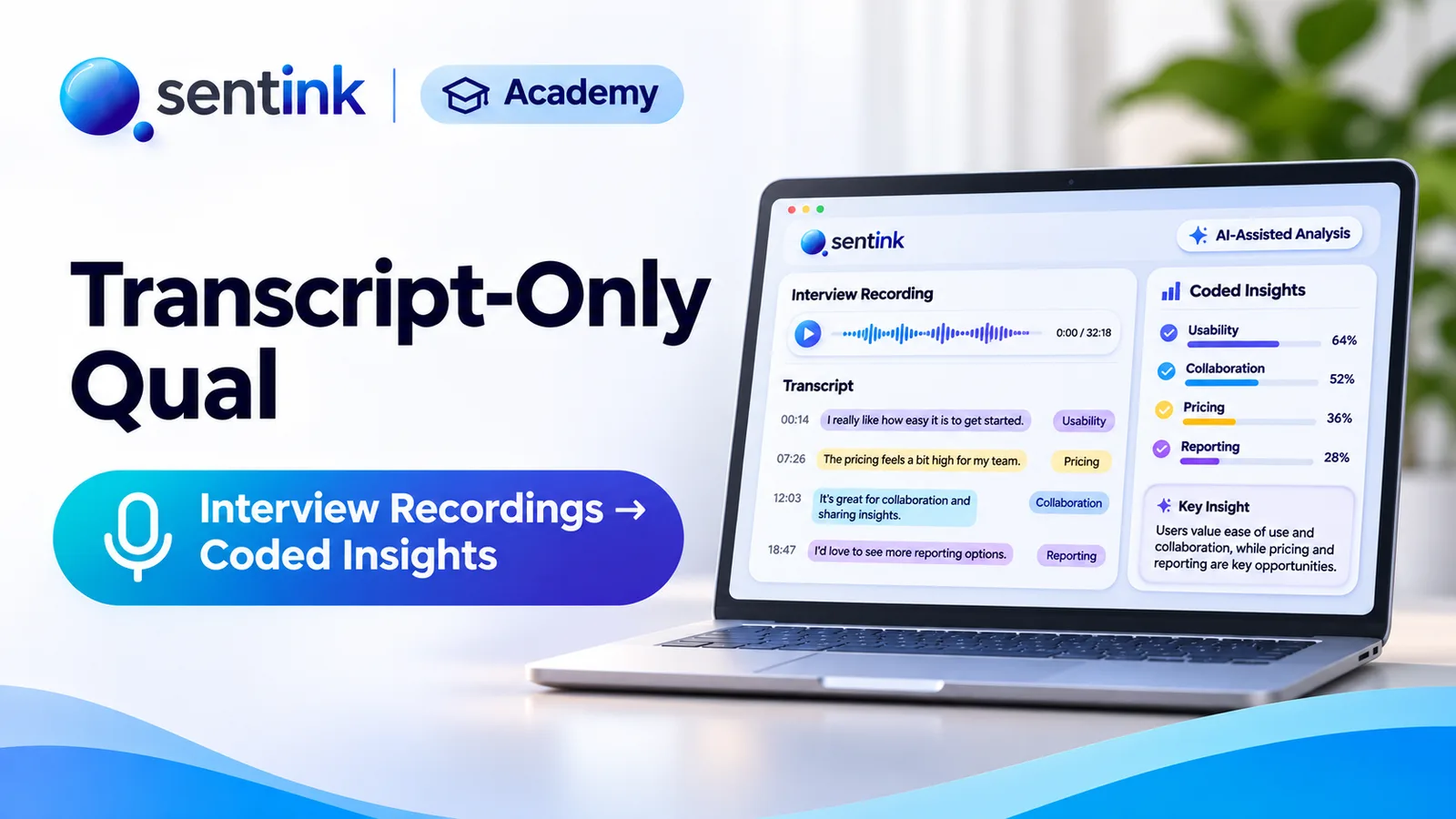
Upload interview or focus group recordings to Sentink and get speaker-separated transcripts, translated downloads, AI reports and coded themes.