
Home Use Tests in Sentink: Blind Coding, Balanced Rotation and Product Results
Run home use tests in Sentink with blinded product codes, Williams Latin square rotation, gated tasks and per-product results with order effects.
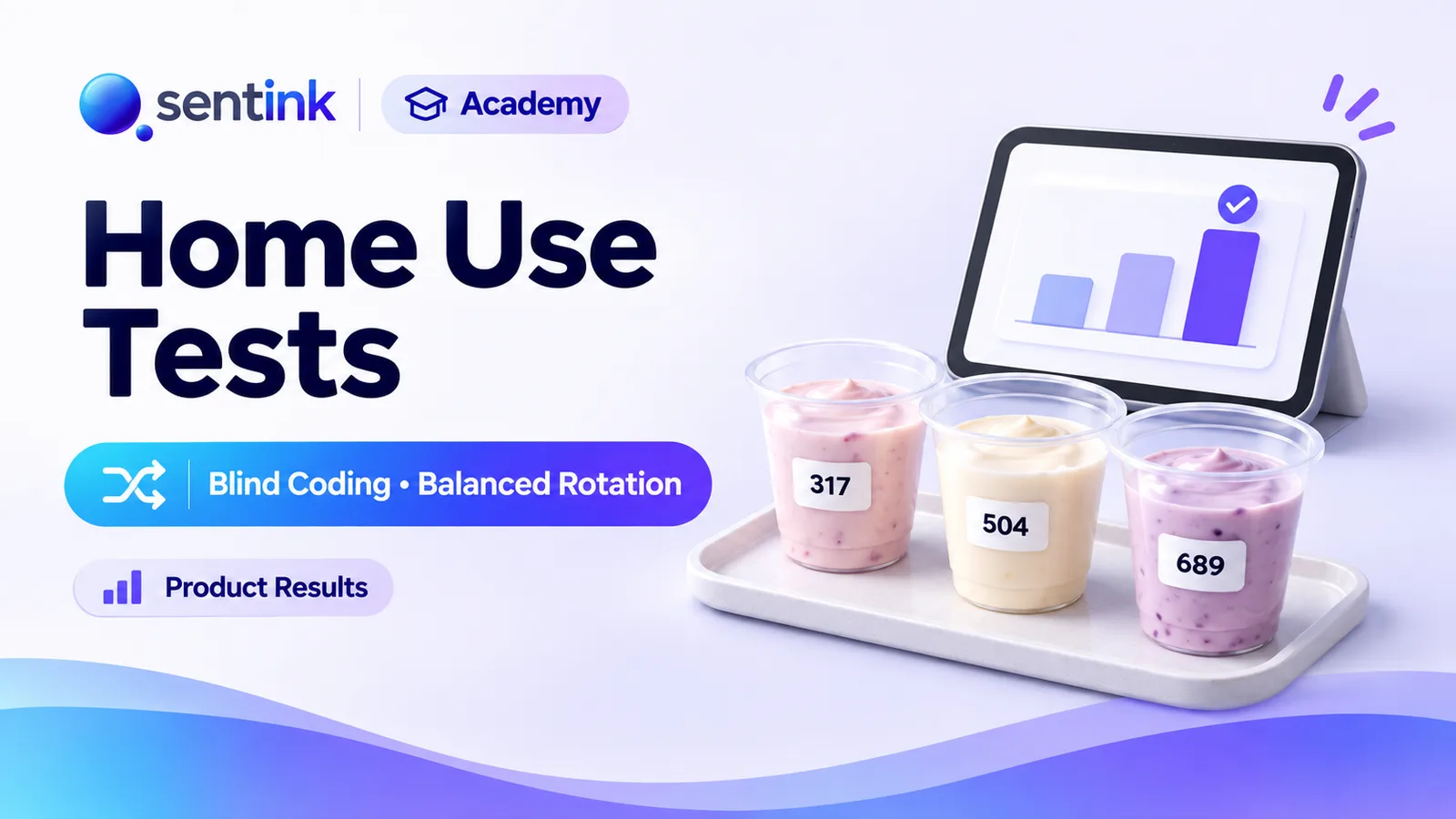
TL;DR
Sentink runs home use tests with blinded 3-digit product codes, one product per period with optional wash-out days, balanced Williams Latin square ordering, gated tasks such as a product-receipt check, and per-product results including order effects and within-participant comparisons.
Key takeaways
- Products are blinded by default: participants see codes only, never internal names.
- Each participant uses one product per period, with configurable days per product and wash-out days.
- The default Williams Latin square balances both position and carry-over between products.
- Gated tasks make sure participants confirm receipt before evaluating, per product.
- Product results show mean and SD per product, order effects and within-participant comparisons, with nothing imputed.
- The Product sequences export gives the full rotation for each participant.
Lab tests and central-location tests tell you how a product performs in a controlled room. But people don't use shampoo, snacks, detergent or skincare in a controlled room — they use them at home, over days, alongside everything else in their lives.
Home use tests (HUTs) put products into real homes and measure what happens over time. Sentink now runs home use tests natively — with blind coding, balanced product rotation, gated tasks and per-product results — on the Pro and Corporate plans.
What Is a Home Use Test?
A home use test (also called an in-home usage test, IHUT or product placement test) sends one or more products to participants, who use them in their normal routine and report back through a series of tasks:
- Did the product arrive?
- What was the first impression?
- How did each use go?
- What is the final verdict after a week?
When several products are tested — your formula versus a competitor, or three prototype variants — the study design matters as much as the questionnaire. If everyone tries product A first, A's scores get mixed up with "first product tested" effects. HUT methodology exists to remove those biases.
Blind Coding
In Sentink, home use tests are blinded by default: participants see codes only.
Each product has:
- A code — an automatic random 3-digit code (for example 417), editable until products are assigned
- An internal name that is never shown to participants
- A participant-facing description, such as usage instructions
Blinding keeps brand expectations out of the evaluation, so you measure the product rather than the packaging or the name.
You can test up to 20 products in a study, and decide how many each participant tests — all of them, or a subset.
One Product per Period
Sentink runs home use tests in periods: each participant uses one product at a time, for a set number of days.
- Days per product — for example 7 days of use before switching
- Wash-out days — optional days between products so the previous one doesn't influence the next
Tasks marked Repeat for each product run once in every product period, and study days count from the start of each period. A "day 7 final evaluation" therefore happens on day 7 of each product, not day 7 of the study.
Products can be assigned automatically as soon as a participant joins.
Balanced Product Order With a Williams Latin Square
How should product order be decided? Sentink offers three options.
Balanced (Williams Latin square) — the default
Every product appears in every position equally often and follows every other product equally often.
A Williams design balances not only position (first, second, third…) but also carry-over: which product came immediately before. This matters because a strong product tested first can make the next one look worse, and vice versa.
Sentink builds the design automatically for any number of products.
Randomised
Each participant gets a random order. The randomisation is reproducible, so the assignment can be audited later.
Fixed order
Everyone tests products in the same order — useful for specific protocols, though more exposed to order effects.
Once products are assigned, the design is locked so the balance can't be broken mid-study. Any manual change to an individual participant's order is recorded in an audit trail.
Gated Tasks: Making Sure Steps Happen in Order
A HUT only works if participants do things in sequence. You don't want a final evaluation from someone who never received the product.
Sentink tasks can be gated with Only after: participants must submit one task before the next unlocks — and when both tasks repeat per product, the gate applies for the same product.
When you create a home use test, Sentink can add four starter stages for you to edit:
- Product receipt — once: "Have you received the test product?"
- First impression — per product, unlocked after receipt
- Per-use log — per product, repeatable, unlocked after the first impression
- Final evaluation — per product, at the end of each period
Each stage is a full questionnaire with ratings, choices, open text, logic and translations, and participants can add photos, videos and voice notes to any entry.
Per-Product Results
The Product results view is built for HUT analysis:
- Mean and standard deviation per product for every rating question, with the highest-scoring product highlighted
- Answer shares for choice questions
- Mean by position tested — see order effects directly, and check that your balanced design did its job
- Within-participant comparison — compare products rated by the same people, the most sensitive comparison in a multi-product test
Results use observed values from submitted entries only — nothing is imputed.
Exports for deeper analysis
Export to Excel or CSV, including:
- Product sequences — each participant's products in order, with periods and how they were assigned (the full rotation)
- Product summary
- Entries, answers in long format, participants and follow-ups
Everything is ready for ANOVA, mixed models or your own analysis in SPSS, R or Python.
The Participant Experience
Participants take part in Sentink's mobile portal in their phone browser — no app to install — in English, Arabic or Bahasa Indonesia. They see which task is available now, which is coming up and what's done, and they get email reminders when tasks open and before they close.
Researchers can ask follow-up questions on any entry ("You mentioned the scent faded — after how many hours?"), and all activity arrives in one Research inbox.
Typical Home Use Test Designs
| Goal | Suggested setup |
|---|---|
| New formula vs current formula | 2 products, blinded, balanced order, 7 days each, 2-day wash-out |
| Choose between 3–4 prototypes | 3–4 products, Williams design, 5–7 days each |
| Single product, real-life usage | 1 product, receipt → first impression → per-use log → final evaluation |
| Competitive benchmark | Your product and competitors, blinded, balanced order |
Home Use Tests Inside Communities
If you already run a research community in Sentink, you can launch a home use test with its members directly — no new invitations or consent needed.
Getting Started
- Open Online diaries and choose New online diary
- Select Home use test
- Add your products, codes and descriptions
- Choose product order, days per product and wash-out days
- Review the four starter stages and adjust the questions
- Invite participants
Home use tests are included with the Pro and Corporate plans and with Enterprise.
FAQ
What is a Williams Latin square?
A Williams design orders products so that each one appears in every position equally often and follows every other product equally often, balancing both position and carry-over effects.
How many products can I test?
Up to 20 products per study. You can decide whether each participant tests all of them or a subset.
Can I add a wash-out period between products?
Yes. Set wash-out days between product periods so one product does not influence the next.
Can participants see the product names?
Not when the test is blinded, which is the default. Participants see a product code and description; internal names are never shown.
Which plans include home use tests?
Home use tests are included with the Pro and Corporate plans and with Enterprise.
Transparent Cloud plans and private deployment—pick what fits your team.
Get Started FreePeople also read
Picked from the same category and shared topics.
Run telephone surveys with Sentink CATI: upload samples, assign interviewers, manage call statuses, retries, callbacks and quotas, and monitor productivity.
Upload interview or focus group recordings to Sentink and get speaker-separated transcripts, translated downloads, AI reports and coded themes.
Collect surveys offline on Android with Sentink Field: native question screens, signatures, photos, GPS checks, voice recording and sync.

Run online focus groups and interviews in the browser, or upload recordings, and get AI-enhanced transcripts and insight reports in Sentink.
Run online diary studies in Sentink: scheduled and event-based tasks, photo, video and voice entries, follow-up questions and AI insights.

Run private research communities in Sentink: nine discussion formats, five visibility modes, groups, moderation tools and in-community diaries.