
Offline Survey Data Collection With the Sentink Field App
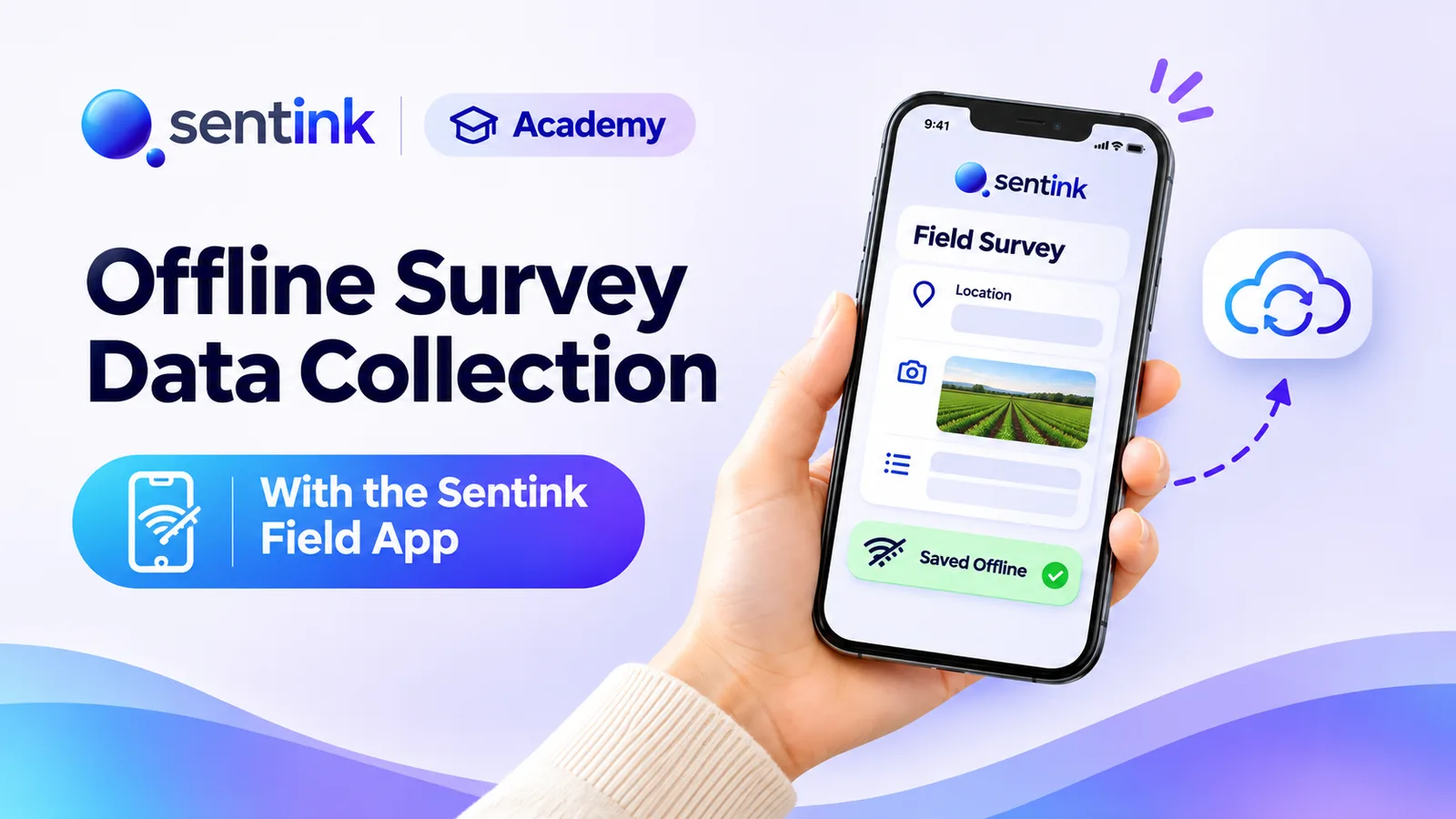
Collect surveys offline on Android with Sentink Field: native question screens, signatures, photos, GPS checks, voice recording and sync.
TL;DR
Sentink Field is an Android app for face-to-face and field interviews. Interviewers download surveys once, collect offline with the same logic as the web survey and native screens for grids, signatures, file uploads and image hotspots, then tap to sync. Surveys can add location checks with GPS columns and voice recording, set by the survey owner.
Key takeaways
- Sentink Field runs on Android 7.0+ and is available on Pro, Corporate and Enterprise plans.
- Install it from sentink.com/download/android; the first sign-in needs internet.
- Downloaded surveys work fully offline and update automatically when the device is online.
- Logic, piping, randomization and screen-outs work exactly as in the web survey.
- Location-restricted surveys check position on the device and save GPS columns for exports.
- Interviewers tap Sync & submit all when back online; never sign out with unsynced responses.
Not every respondent is one click away from a web link. Household surveys, retail audits, patient interviews, community research and government fieldwork often happen in places with weak or no internet — and the interviewer is holding a phone, not a laptop.
Sentink Field is Sentink's Android app for exactly this work. Interviewers download surveys once, collect responses offline, and sync them back to Sentink when they have a connection.
What Is Sentink Field?
Sentink Field is a mobile data collection app for face-to-face (CAPI) and field interviews. It runs the same surveys you build in Sentink — the same questions, logic, translations and theme — with native mobile screens designed for interviewers.
- Platform: Android 7.0 and later
- Plans: Pro and Corporate (and their team members), and Enterprise
- Languages: the app is available in English, Arabic (with full right-to-left layout) and Bahasa Indonesia
Getting the App
Sentink Field is installed directly from Sentink rather than from an app store:
- On your Android phone, open sentink.com/download/android (or scan the QR code on the Sentink offline collection page)
- Download the app and allow your browser to install unknown apps when Android asks
- Open Sentink Field and sign in
Signing in
Sign in with your email and password, or Continue with Google. The first sign-in needs an internet connection; after that, interviewers can work offline.
Downloading Surveys
After signing in, interviewers see the published surveys from every workspace they can access.
- Tap Download on a survey, or Get all to download everything
- Downloaded surveys show Ready offline
- Images used in questions are saved with the survey, so they display without a connection
Surveys stay up to date
Whenever the device is online, Sentink Field refreshes downloaded surveys automatically in the background — including questions, translations, theme, location settings and voice settings. If you fix a typo or add a question in the builder, interviewers get the update the next time they're online.
Collecting Offline
Once a survey is downloaded, interviews work with no internet at all. Completed responses are stored safely on the device until they are synced.
The same logic as your online survey
Sentink Field runs the same survey engine as the web, so your script behaves the same way in the field:
- Skip logic and show/hide rules
- Piping and variables
- Randomization and show-N-of-M panels
- Screen-outs and attention checks
- Multiple languages, with a language switch during the interview
Native question screens
Questions are shown on mobile screens built for touch, including:
- Text, single choice, multiple choice, dropdown and yes/no
- Rating and ranking
- Grids (single choice and dropdown grids)
- Image picker and image hotspot (tap on an image)
- Signature — the respondent signs in a box with a finger
- File upload — attach a photo or file from the device
- MaxDiff and conjoint tasks
Dynamic panels and dynamic grids are not yet supported in the app; if a survey contains one, the interviewer can skip it.
Voice Recording
For quality control and back-checking, a survey can record the interview audio. This is switched on by the survey owner in the survey's settings (on plans that include voice recording), not by the interviewer.
When a survey records audio, the app tells the interviewer before the interview starts that audio will be recorded from the first question until the response is saved, and asks for microphone access. Recordings are compact (about half a megabyte per minute), are uploaded with the response during sync, and are then removed from the device.
Location Checks and GPS
For surveys that must be answered in a specific area — a city, a district, a store catchment — the survey owner can restrict the survey to a location and radius.
When the interviewer starts an interview, Sentink Field checks the device's position on the device itself, so it works offline. If the interviewer is outside the area, the app explains that the survey can only be answered within the set distance of the location.
For these surveys, each response saves:
- Latitude and longitude
- Accuracy in metres
- Distance from the survey area centre
- The time the location was captured
These appear as GPS columns in your Excel, CSV and SPSS exports — ideal for checking that fieldwork happened where it should.
Syncing Responses
When the device is back online, the home screen shows how many responses are ready to sync. The interviewer taps Sync & submit all to upload them.
- Responses upload one at a time, with their voice recordings and files
- Any that fail stay on the device and can be retried
- Quotas and response limits are applied by Sentink when responses arrive
Tip for field managers: ask interviewers to sync at the end of every day, and never sign out with unsynced responses — signing out removes them from the device.
In Your Results
Synced responses appear in Sentink alongside online responses, so you analyse everything together in Visual Insights, cross-tabs, AI reports and exports. Responses collected in the app are identified as coming from the Sentink App in the device and browser columns of your exports.
When to Use Sentink Field
| Use case | Why the app helps |
|---|---|
| Household and community surveys | Works in areas with no coverage |
| Retail audits and mystery shopping | Photos, signatures and GPS checks |
| Patient and clinic interviews | Fast, private data entry on a phone |
| Government and NGO fieldwork | Location-restricted surveys and audio back-checks |
| Events and exhibitions | Collect many interviews quickly, sync later |
| Arabic and Indonesian fieldwork | Full Arabic RTL and Bahasa Indonesia app interface |
Getting Started
- Build and publish your survey in Sentink
- Optionally set a location restriction and voice recording in the survey settings
- Install Sentink Field from sentink.com/download/android on each interviewer's Android phone
- Sign in, download the survey and collect offline
- Tap Sync & submit all when back online, then analyse in Sentink
Sentink Field is available on the Pro and Corporate plans and their teams, and on Enterprise.
FAQ
Is Sentink Field available on iPhone?
Not yet. Sentink Field is currently available for Android 7.0 and later.
Do interviewers need internet to collect responses?
Only to sign in the first time and to download and sync surveys. Interviews themselves work fully offline.
Do responses sync automatically?
When the device is back online, the app shows how many responses are ready, and the interviewer taps Sync & submit all to upload them. Failed uploads stay on the device and can be retried.
Can the app record interviews and capture GPS?
Yes, when the survey owner enables voice recording or a location restriction for the survey. GPS details appear as columns in Excel, CSV and SPSS exports.
Which plans include Sentink Field?
Sentink Field is available on the Pro and Corporate plans and their teams, and on Enterprise.
Transparent Cloud plans and private deployment—pick what fits your team.
Get Started FreePeople also read
Picked from the same category and shared topics.
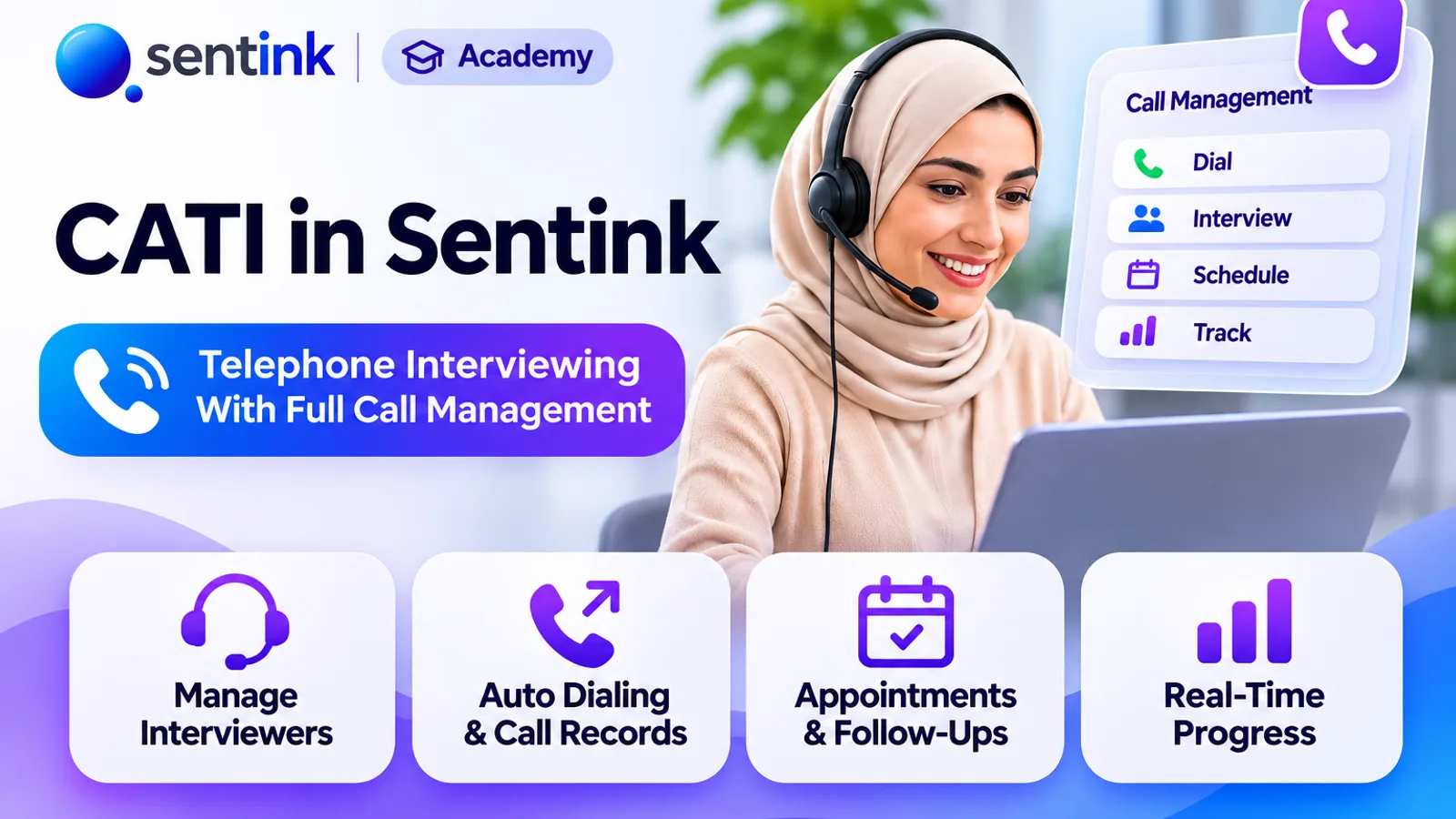
Run telephone surveys with Sentink CATI: upload samples, assign interviewers, manage call statuses, retries, callbacks and quotas, and monitor productivity.
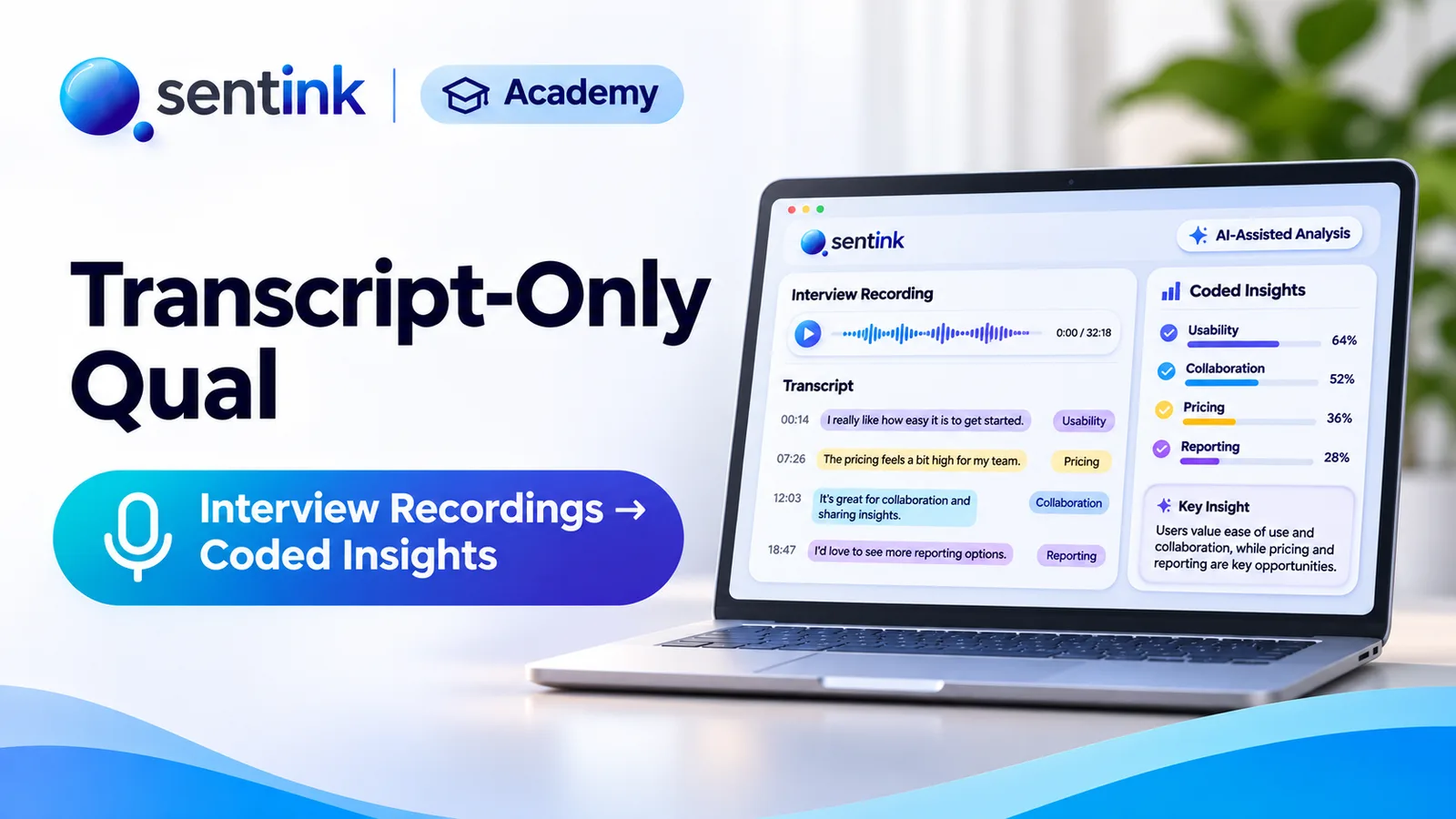
Upload interview or focus group recordings to Sentink and get speaker-separated transcripts, translated downloads, AI reports and coded themes.

Run online focus groups and interviews in the browser, or upload recordings, and get AI-enhanced transcripts and insight reports in Sentink.
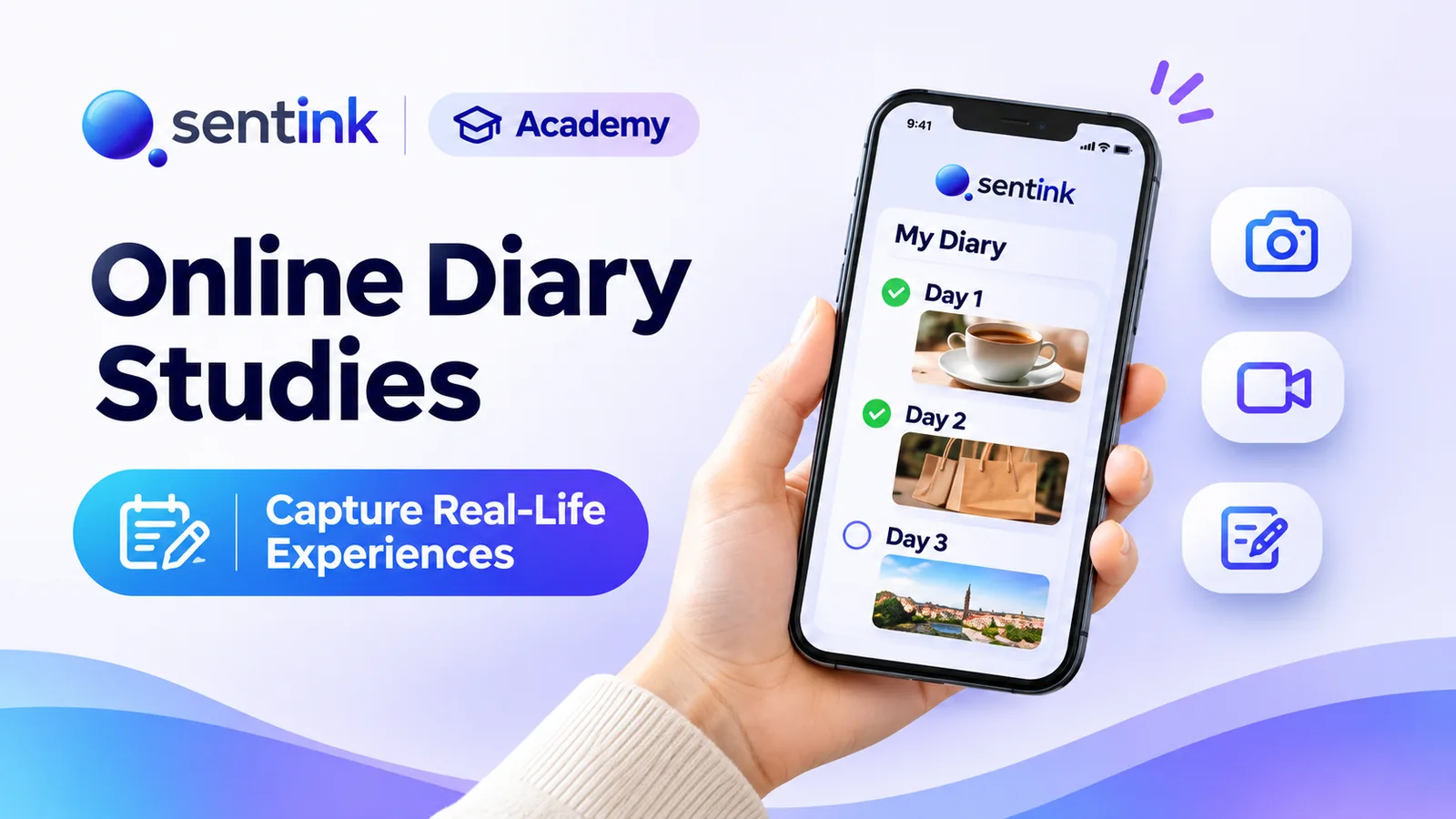
Run online diary studies in Sentink: scheduled and event-based tasks, photo, video and voice entries, follow-up questions and AI insights.

Run private research communities in Sentink: nine discussion formats, five visibility modes, groups, moderation tools and in-community diaries.

Run home use tests in Sentink with blinded product codes, Williams Latin square rotation, gated tasks and per-product results with order effects.